Start Your satakamataka Account Today
Creating your satakamataka account takes under two minutes — fill in your details, verify your identity, and you land directly in the lobby where Live Blackjack, Aviator and…
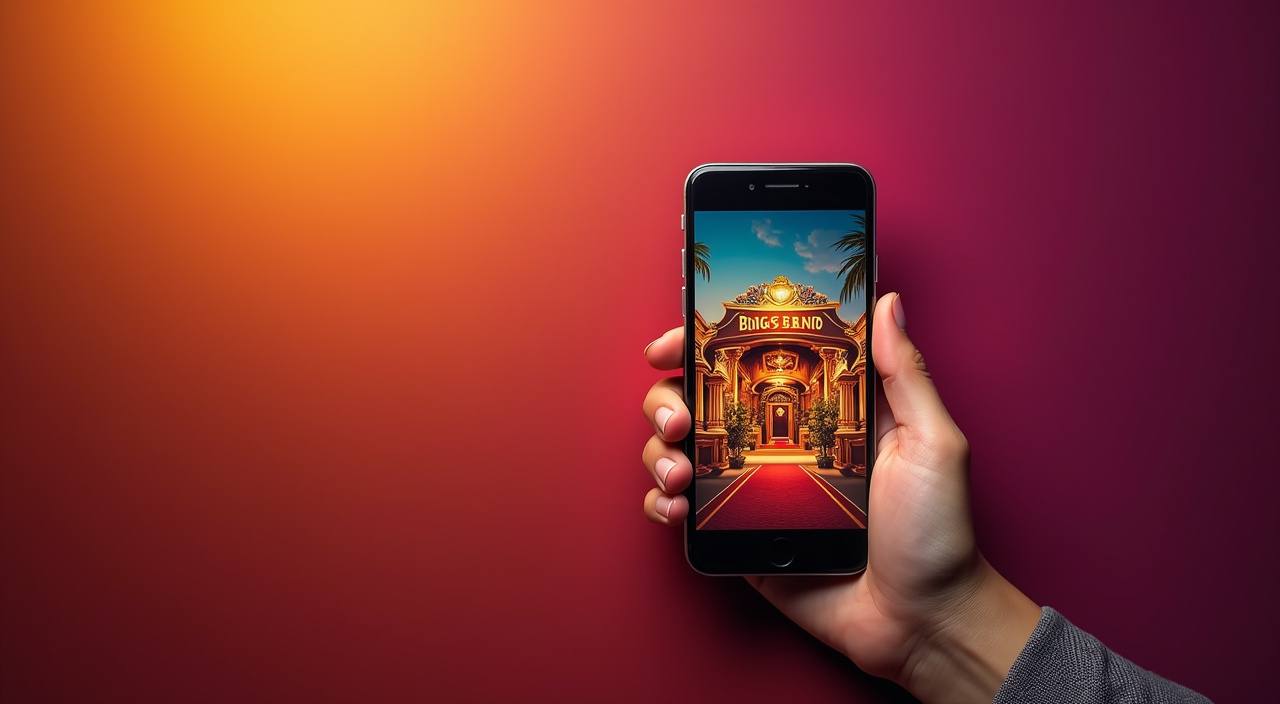
What Happens When You Register
The registration form asks for your name, email address, mobile number and a password you choose. After you submit, a one-time verification code arrives on your phone within seconds. Once confirmed, your account is active and the full lobby — live tables, slot rooms including Polar Wild and Sweet Bonanza, plus our sportsbook — is
immediately available. All data you enter is encrypted in transit and at rest. Account access depends on local law and is available where local law permits.
-
Verified in seconds Our OTP check completes mobile verification without leaving the page, so your account moves from pending to active in one smooth step.
-
Encrypted from the start Every field you fill — name, contact, password — travels over TLS encryption and is stored with AES-level protection so your data stays yours.
-
Full lobby at once The moment your account is confirmed, you reach the complete lobby: live casino tables, slot rooms, Football Strike, Bingo and sportsbook markets all in one place.
-
Help when you need it If the registration form throws an error or your OTP does not arrive, our support team is reachable around the clock through live chat and email.
Your details are protected with encrypted, secure access.
Indian Payment Options We Accept
Once your account is live, adding funds is straightforward using the payment rails India already runs on.
Stuck During Sign-Up? We Are Here
Registration questions — from a form error to a delayed OTP — can be resolved quickly through the channels below.
How We Keep Your Account Secure
Security at satakamataka starts at the moment you enter your first detail on the registration page and continues through every session, deposit and withdrawal.
TLS Encryption in Transit
All data you send through the registration form — name, mobile, email, password — is encrypted with TLS 1.3 before it leaves your device, preventing interception during transmission.
AES Storage Protection
Once your account details reach our servers, they are stored with AES-256 encryption. Even in the event of a server breach, your personal data remains unreadable without the decryption key.
Mobile OTP Verification
Every new account must confirm ownership of the registered mobile number via a one-time password. This step stops automated or duplicate account creation and ties your access to a real device.
Identity Check Before Withdrawal
Before your first withdrawal is processed, we verify your identity against the details submitted at registration. This step protects your funds from being redirected to an unverified account.
Session Timeout Controls
Inactive sessions are automatically closed after a set period, reducing the risk of someone else accessing your account if you leave a device unattended without logging out.
Data Privacy Compliance
Your personal data is used solely for account operation, payment processing and identity verification. We do not sell or share account data with unaffiliated third parties for marketing purposes.
Frequently Asked Questions About Registering
These are the questions we hear most often from people opening an account at satakamataka for the first time. Each answer reflects how the actual registration system works — from form fields to OTP delivery to first deposit — so you know exactly what to expect at each step.